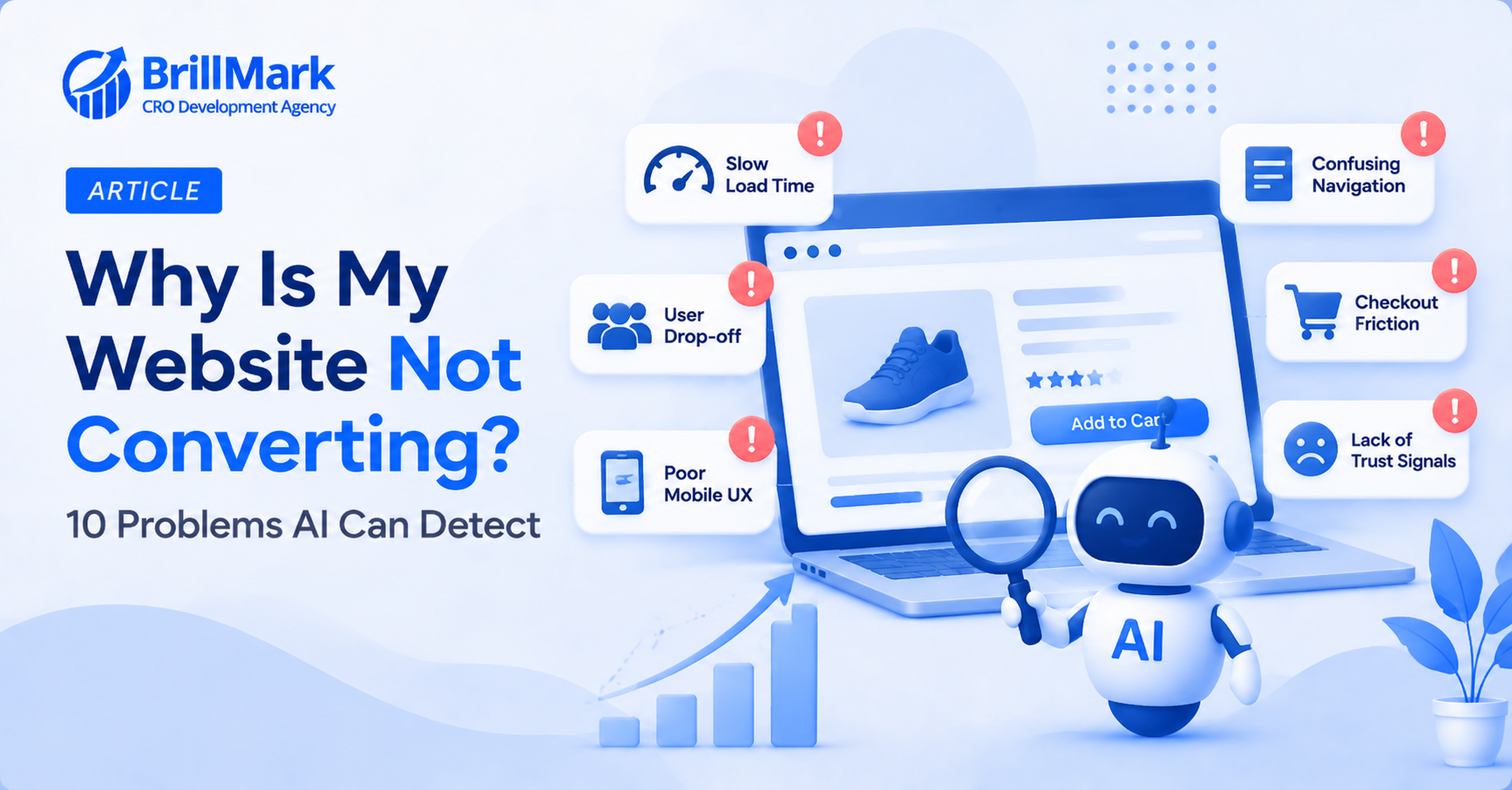
A website can get plenty of traffic and still convert poorly. Usually, the reason isn’t one dramatic failure. Instead, it’s a handful of smaller issues working against each other. AI tools are particularly good at surfacing these issues. They can analyze far more sessions and variables than a human team realistically could. Below are ten common conversion problems AI is well suited to detect, along with what each one actually looks like.
1. Segment-Specific Drop-Off
- Overall conversion rate can look healthy while one specific segment quietly underperforms
- Mobile users on a particular browser are a common example
- Because AI can analyze every session, not just a small sample, this hidden gap becomes visible
- Without that scale, a leak like this often goes unnoticed for months
Make your website ready for the AI era.
AI is changing how people discover, evaluate, and interact with websites. We help you identify optimization opportunities across content, UX, technical performance, SEO, and conversion paths.
2. Unclear Pricing or Value Presentation
- AI models can flag pages where visitors repeatedly hesitate, scroll back, or leave after viewing pricing
- This pattern often signals confusing pricing structure, not simply a lack of interest
- For example, unclear bundle pricing can trigger this exact behavior
- A missing explanation around a subscription fee can too
- Because it’s a behavioral signal, not an explicit complaint, it’s easy to miss without systematic detection
3. Checkout Abandonment From Unexpected Costs
- A sudden cost appearing late in checkout is a well-documented cause of abandonment
- Shipping fees and taxes are the most common culprits
- AI tools can correlate exactly when costs appear with exactly when visitors leave
- This timing-based analysis is difficult to replicate manually across thousands of sessions
- As a result, it often reveals which specific cost is causing the most damage
4. Slow-Loading Pages Under Real Conditions
- Page speed issues don’t always show up during casual testing on a fast connection
- AI-driven monitoring can flag performance specifically on mobile devices and slower networks
- Speed problems affect every visitor passing through that page
- Because of this, even a small delay compounds quickly
- Consequently, this is one of the highest-leverage issues to catch early
5. Broken Functionality on Specific Devices or Browsers
- A feature that works fine on the team’s own laptop can still fail elsewhere
- AI monitoring tools can detect error patterns concentrated in specific browser or device combinations
- Older browser versions are the most likely place for this kind of gap to hide
- Less common devices are another
- Without automated detection, these issues are rarely caught until a customer reports one directly
6. Confusing Navigation or Filter Behavior
- Repeated clicks on the same filter or navigation element often signal genuine confusion
- AI-driven rage-click and repeated-interaction detection can surface this pattern automatically
- This is particularly common on category pages with complex filtering options
- Once flagged, the fix is often simpler than the underlying confusion suggested
7. Weak Trust Signals at Key Decision Points
- Hesitation right before checkout often points to a trust gap
- The same is true right after a visitor views a product
- AI tools can identify exactly where in the flow this hesitation clusters most heavily
- Missing security badges and unclear return policies are common underlying causes
- Because trust issues are subtle, they rarely get flagged through standard analytics alone
8. Form Friction and Field-Level Errors
- Repeated corrections on the same form field usually indicate a labeling or validation problem
- AI-driven session analysis can flag which specific fields cause the most repeated errors
- This is considerably more precise than reviewing a handful of recordings manually
- As a result, fixes can target the exact field causing friction, not the form as a whole
9. Underperforming High-Traffic Pages
- A page with strong traffic but a below-average conversion rate represents a high-value problem
- AI tools can rank pages by this exact combination
- Therefore, they help prioritize where a fix matters most
- This kind of prioritization is difficult to do manually across a large site with many templates
10. Messaging That Doesn’t Match Visitor Intent
- AI-driven analysis can reveal a mismatch between ad messaging and landing page content
- For instance, visitors arriving from a discount-focused ad may bounce quickly
- This happens when the landing page doesn’t mention the discount clearly
- This kind of mismatch is easy to overlook without comparing source-level intent to on-page behavior directly
- Once identified, aligning messaging across the funnel often produces a fast, measurable improvement
Turning These Findings Into Action
- Treat every AI-flagged issue as a hypothesis to validate, not a finished conclusion
- Confirm the pattern with a handful of manual session reviews before building a fix
- Prioritize issues by combining traffic volume with severity
- Don’t simply fix whatever was flagged first
- After each fix, monitor the specific metric it targeted
- This confirms the fix actually worked as intended
Make your website ready for the AI era.
AI is changing how people discover, evaluate, and interact with websites. We help you identify optimization opportunities across content, UX, technical performance, SEO, and conversion paths.
Make your website ready for the AI era.
AI is changing how people discover, evaluate, and interact with websites. We help you identify optimization opportunities across content, UX, technical performance, SEO, and conversion paths.