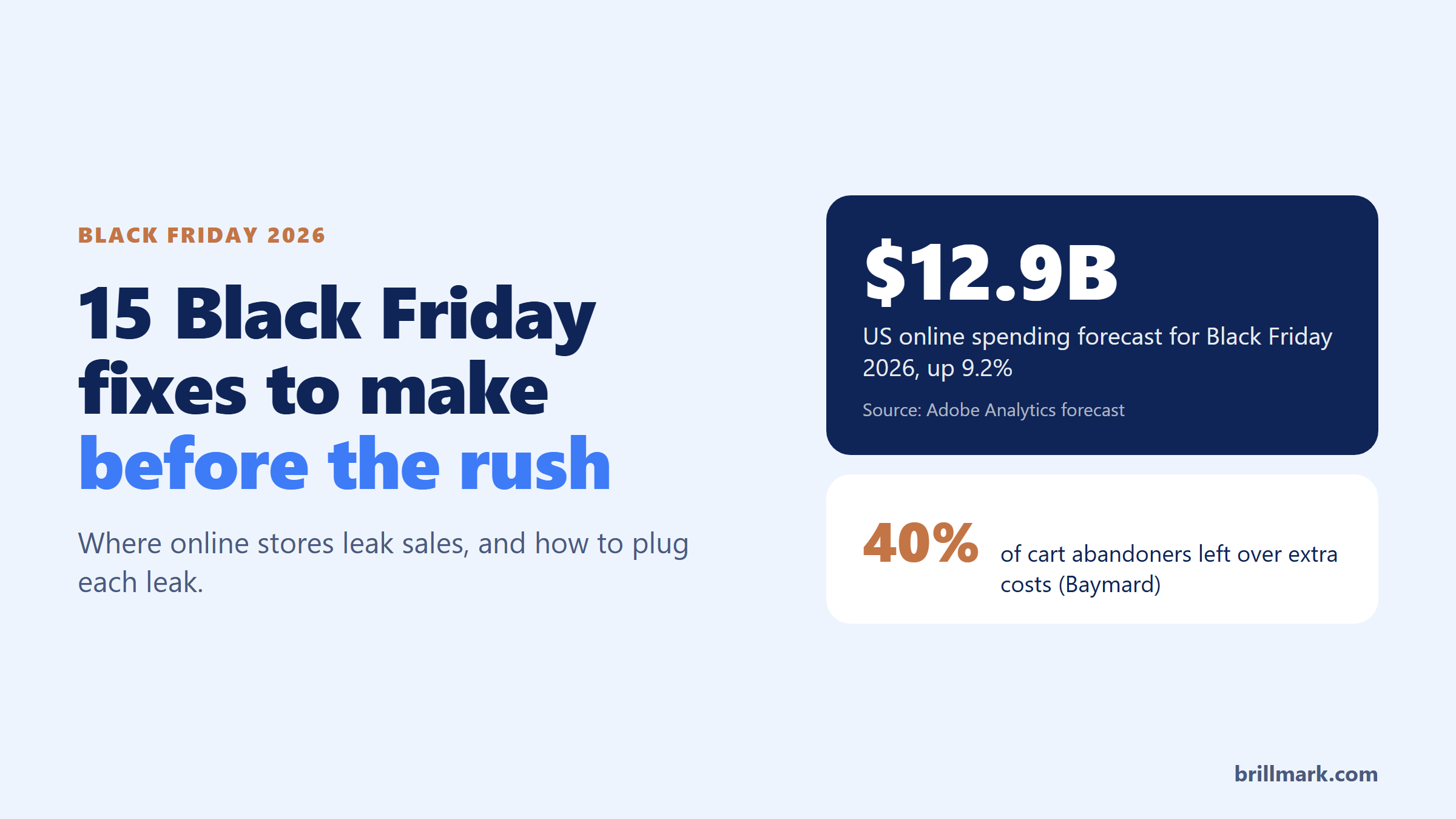
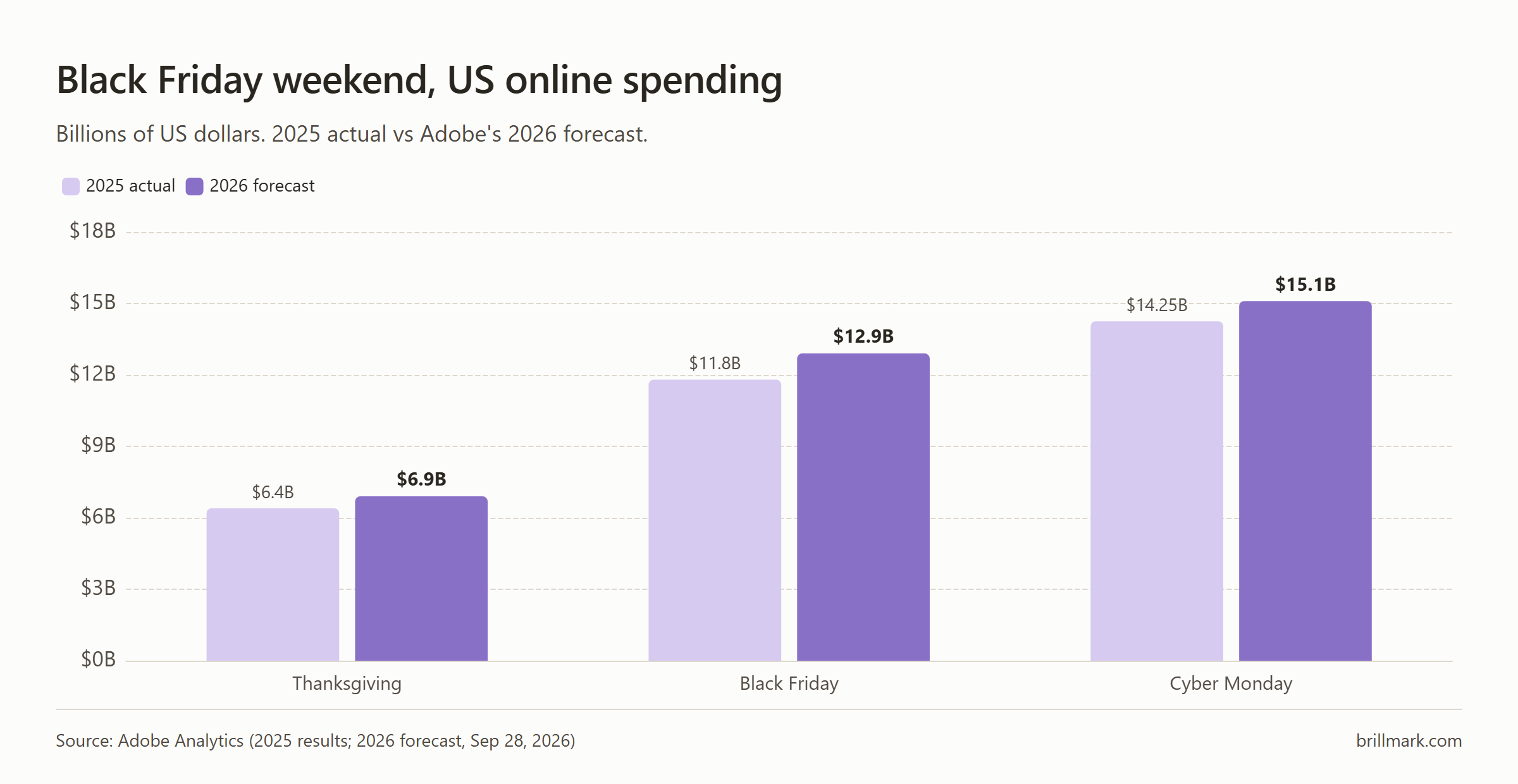
Adobe expects US shoppers to spend $12.9 billion online on Black Friday 2026, up 9.2% on last year. Cyber Monday is forecast at $15.1 billion, the first day ever above $15 billion.
Most of that money goes to stores that were ready for it. The rest leaks out at checkout, on slow phone pages, and through promises a store can’t keep once the orders pile up.
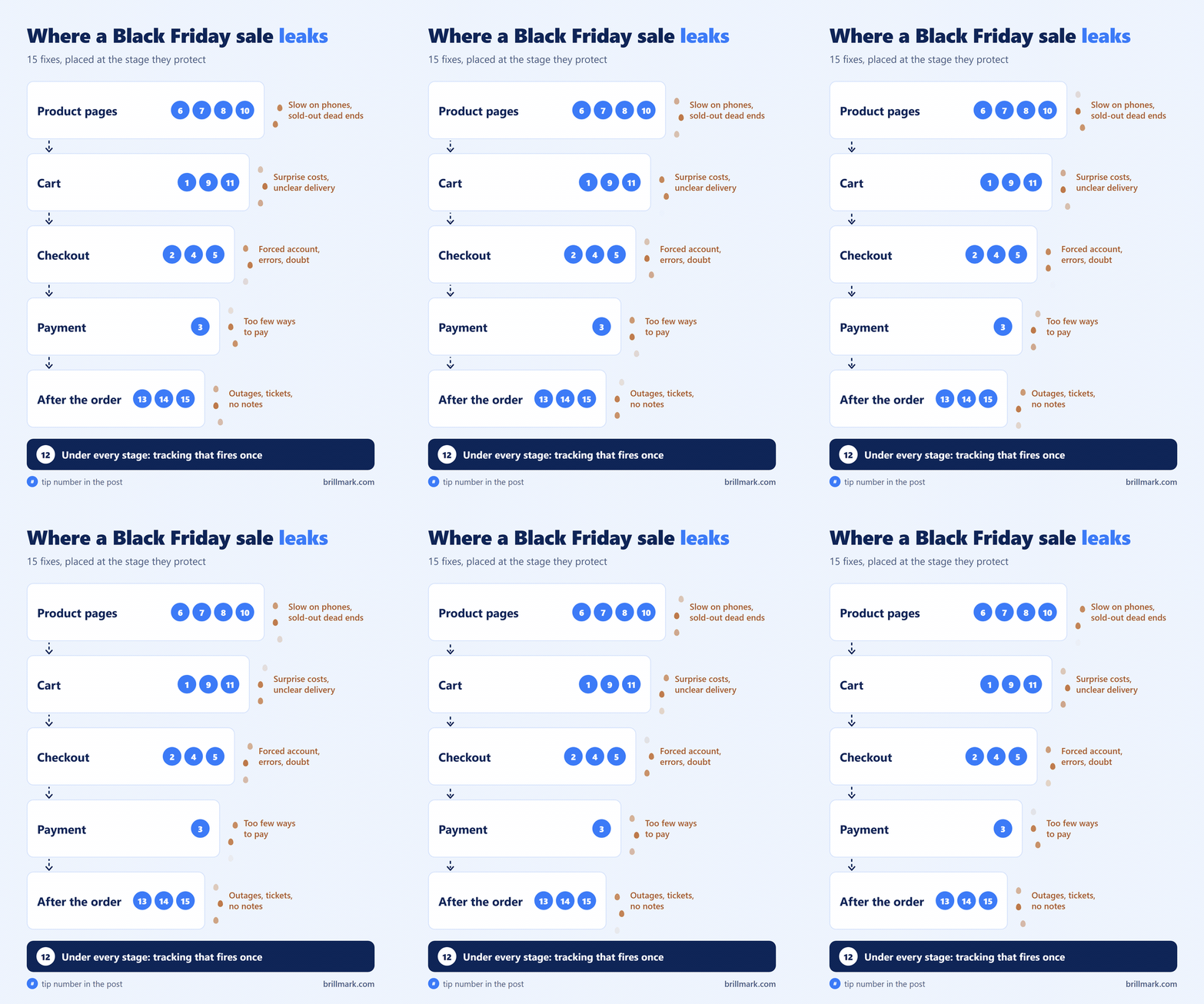
Below are 15 fixes, grouped by where the money leaks. Start with checkout. It is the cheapest group to fix and the one that loses the most.
Checkout: where most carts are lost
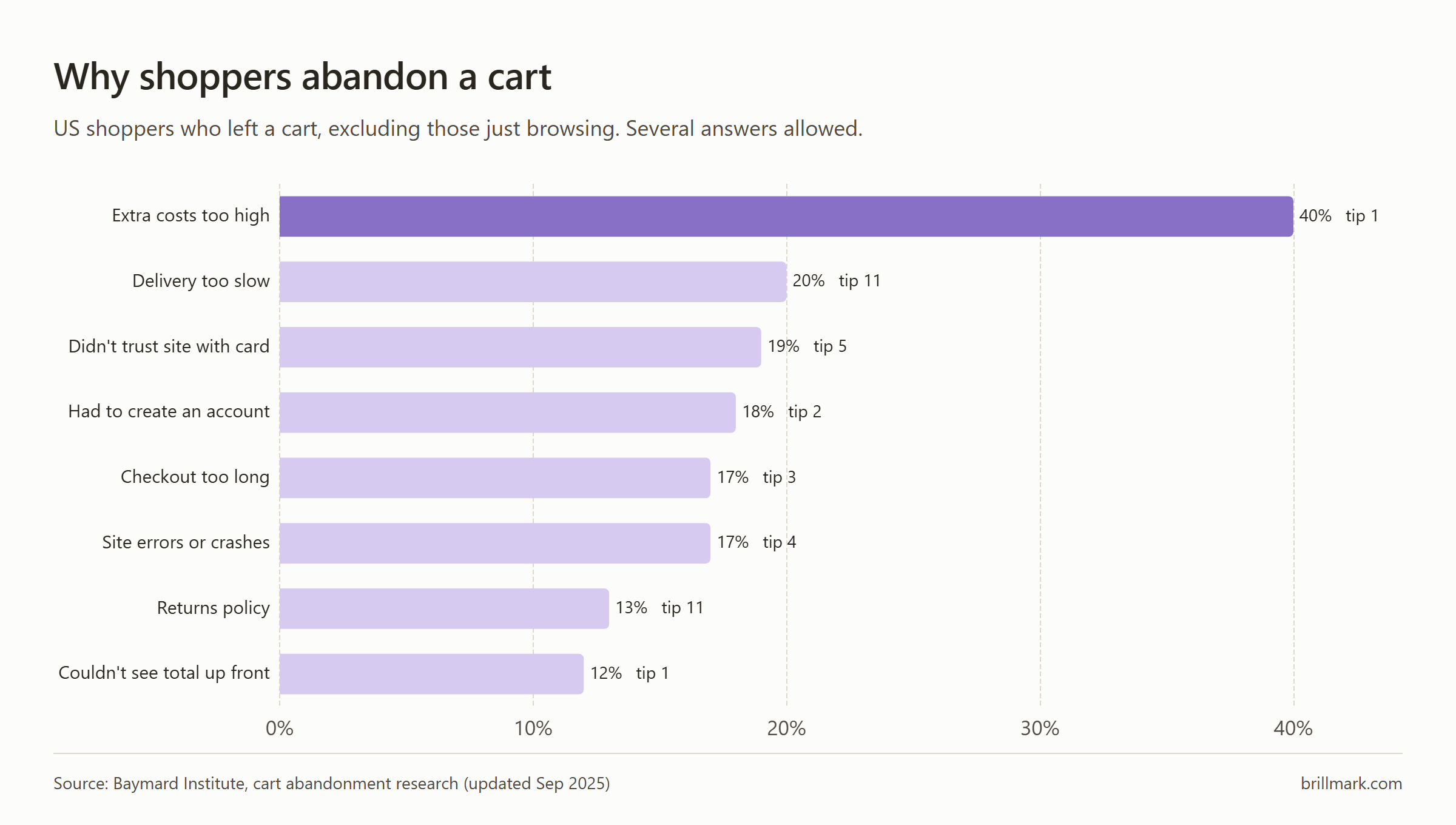
The average cart abandonment rate is 70.22%, according to Baymard Institute’s average of 50 studies. Some of those shoppers were only browsing. Baymard also asked the rest why they left, and most of their answers point at something you can change this month.
1. Show the full price before checkout
40% of those shoppers said extra costs were too high: shipping, tax, fees. Another 12% couldn’t see the total up front.
Put the shipping cost, or the free-shipping threshold, on the product page and in the cart. The last step of checkout is the worst place for a surprise.
2. Let people check out as a guest
18% left because the store wanted them to create an account. Offer the account after the order, on the thank-you page, when they have a reason to say yes.
3. Add express wallets and pay-later options
Shop Pay, Apple Pay and Google Pay skip the card form entirely. 9% of abandoners said there weren’t enough ways to pay.
Pay-later matters too. Adobe expects buy now, pay later (splitting a purchase into instalments) to drive $807 million of Black Friday spending, mostly on phones.
4. Buy something from your own store, on a real phone
17% left because the site had errors or crashed. Place a real order on an iPhone and an Android, with a discount code, all the way to the confirmation email. Then refund it.
You will find something. Everyone does.
5. Put trust next to the pay button
19% didn’t trust the site with their card. Show your returns policy and the payment logos you accept beside the pay button, where the doubt happens, not in the footer.
Fixing checkout costs less than the discount you’re about to give away.
Speed and mobile: the pages most shoppers see
Adobe forecasts that a record 63% of Thanksgiving online spending will happen on phones, and 57.4% across the season. Your desktop site is the minority view.
6. Speed up your top three mobile pages
In a Google-commissioned Deloitte study, a mobile site 0.1 seconds faster saw retail conversion rise 8.4%. That data covers 37 large brand sites and is from 2019, so read it as a direction, not a forecast for your store.
Run your homepage, top collection and top product page through PageSpeed Insights on mobile. Start with oversized images. On most stores they are the heaviest thing on the page.
7. Remove apps and scripts you don’t use
Every app you installed for a test that ended may still load code on every page. Uninstall what you don’t use, then check the theme for snippets the apps left behind.
8. Build the sale page for a thumb
Design the Black Friday landing page on a phone first. The offer above the fold, one button, the code visible without scrolling.
If a page is slow or awkward on a phone, it’s slow or awkward for most of your Black Friday buyers.
Offers, stock and promises: what you’re about to commit to
9. Set a margin floor before you pick the discount
Adobe expects Cyber Week discounts to reach 30% off list price. Work out the lowest margin you’ll accept on each product after shipping, fees and returns. Then pick the offer.
Some products shouldn’t be in the sale at all.
10. Count stock and plan for sell-outs
Set low-stock alerts on your bestsellers. Decide now what a sold-out product page shows: a back-in-stock signup, or a link to the closest alternative. Anything but a dead end.
11. Publish shipping cutoffs and the returns policy
20% of abandoners said delivery was too slow, and 13% didn’t like the returns policy. Put the last order day for holiday delivery and the holiday returns window on the product page and in the cart.
A promise you can’t keep turns into a support ticket a week later.
Tracking: check it before you need the numbers
12. Make sure your purchase tracking fires once, with the right revenue
Place a test order and check it in GA4 (Google Analytics) and in each ad platform. Look for the order showing up twice, not at all, or with the wrong total.
Most GA4 properties we review have at least one event or conversion firing incorrectly, which is why our Agentic CRO process validates the data before it builds a single hypothesis on it. Over the weekend you’ll move ad budget and swap offers based on these numbers.
Bad tracking turns every weekend decision into a guess.
The weekend itself: how your team responds
13. Freeze changes, then plan for what breaks
Pick a day, about a week before Black Friday, after which nobody touches the theme, the apps or the prices.
Then write down the three failures you’d least like to see, how you’d spot each one, and your first move.
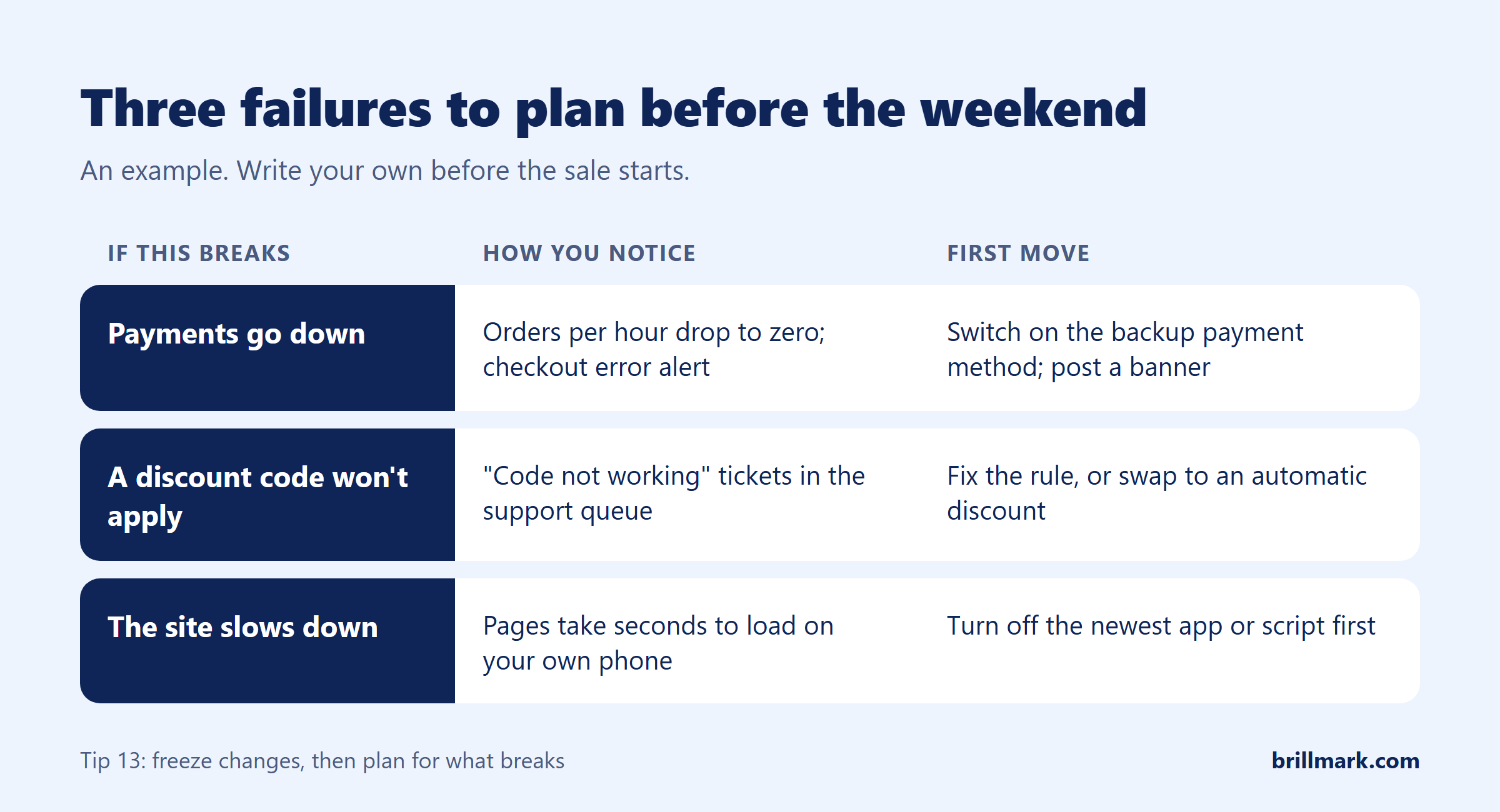
14. Write answers to your top support questions
“Where’s my order?” “Will it arrive in time?” “Can I stack codes?” “How do returns work?” Write each answer once, as a saved reply in your helpdesk, before the queue fills.
Plan staff from your order forecast, not last month’s ticket count. More orders means more questions.
15. Watch four numbers, then write down what broke
Over the weekend, check four things every few hours: conversion rate, checkout errors, stock on your bestsellers, and the support queue.
On the Tuesday after Cyber Monday, write down everything that broke, while you still remember it.
That Tuesday note is worth more than any checklist, this one included.
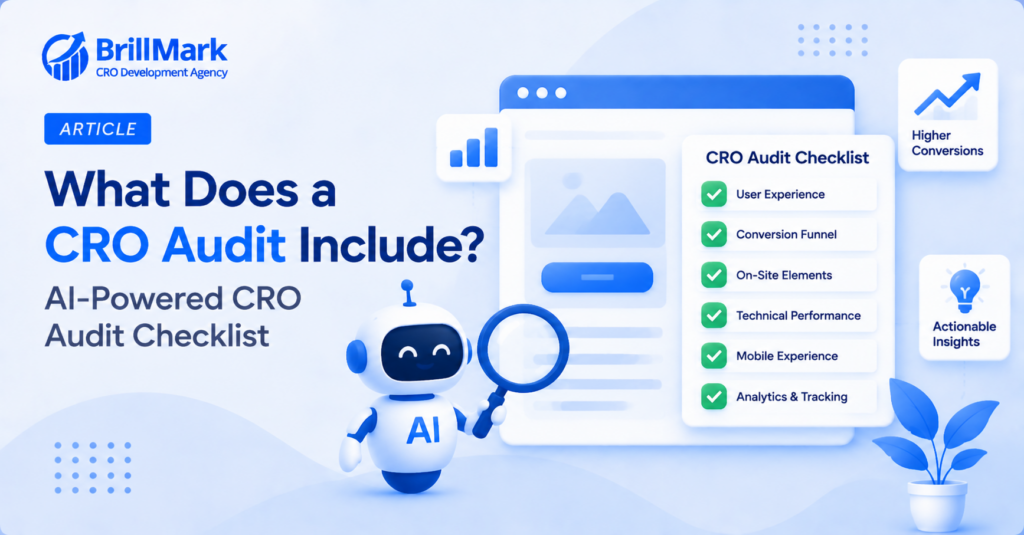
Not sure where your store leaks? BrillMark’s free Agentic CRO Audit reviews one page of your store for friction, copy, CTA, mobile and speed issues, and sends back five prioritized quick wins, each checked by a CRO strategist. Check your site with a free CRO audit, no credit card or tracking access needed.
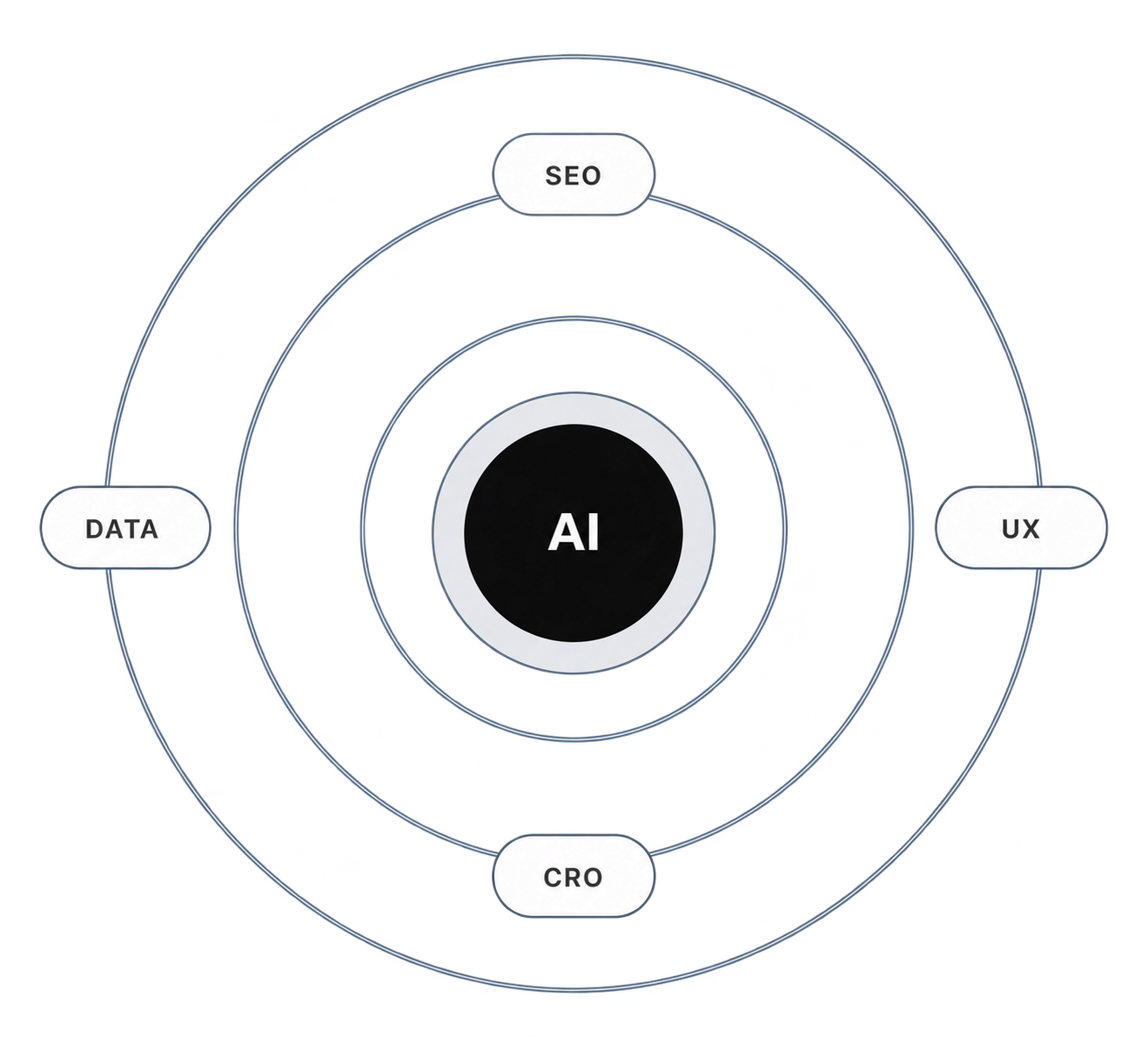
Make your website ready for the AI era.
AI is changing how people discover, evaluate, and interact with websites. We help you identify optimization opportunities across content, UX, technical performance, SEO, and conversion paths.