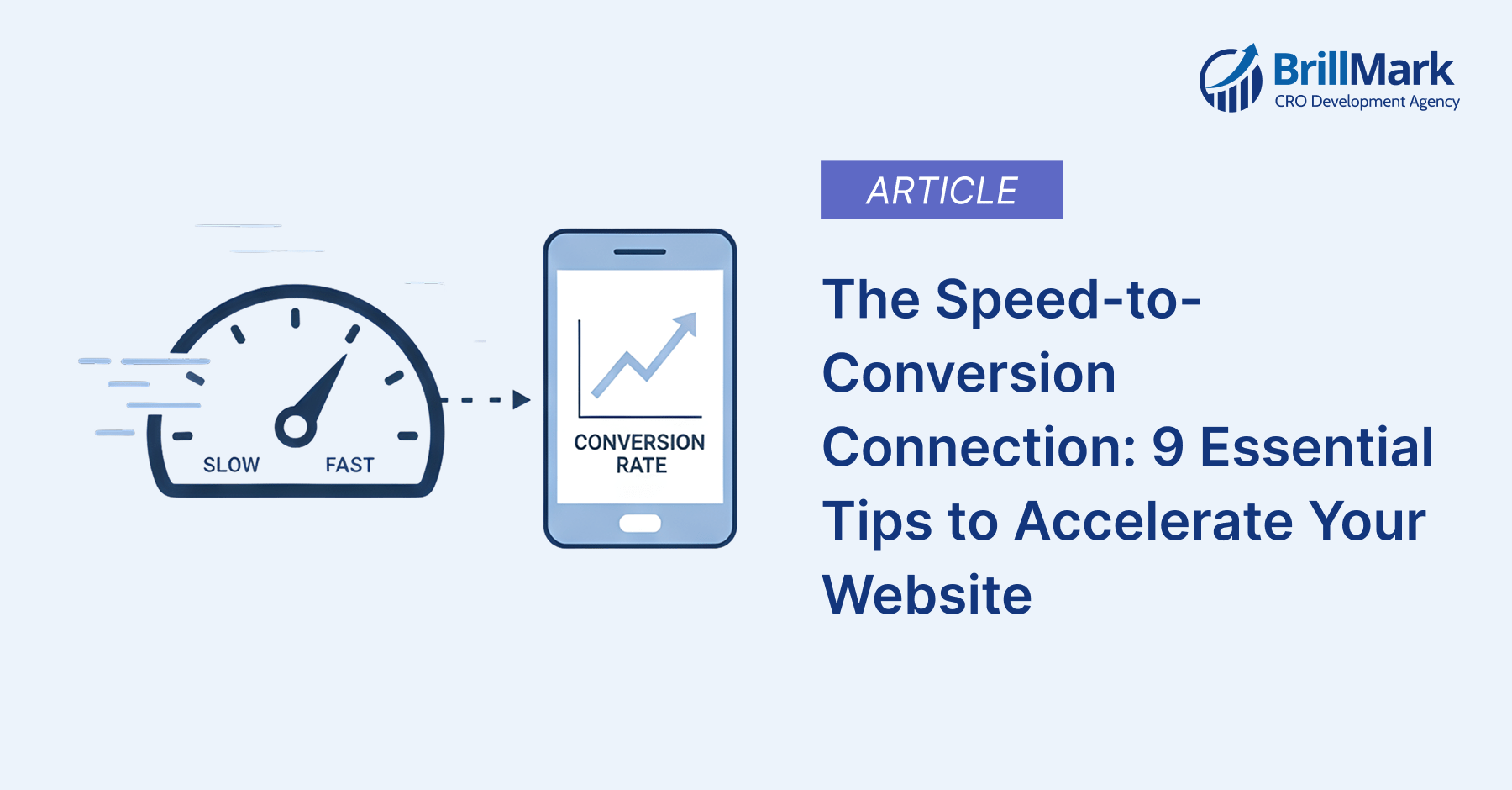
In the competitive landscape, website speed is no longer a “nice-to-have” feature; it is the bedrock of your entire digital strategy. Whether you are running a high-traffic e-commerce store or a lead-generation site, your loading time is the first impression you make on a potential customer.
Data consistently shows that nearly 50% of users abandon a website if it takes more than three seconds to load. In the world of Conversion Rate Optimization (CRO), we often say that you cannot optimize a site that people never see. At Brillmark, we specialize in high-performance experimentation, and we have seen firsthand how a 100ms delay can lead to a significant drop in revenue.
This guide explores nine critical areas where you can optimize your site for maximum velocity, ensuring that your marketing and A/B testing efforts yield the highest possible ROI.
1. Minify Your Code: The Art of Digital Weight Loss
Every time a user visits your site, their browser must download your HTML, CSS, and JavaScript files. On many sites, these files are filled with “human-readable” bloat: extra spaces, long variable names, comments, and line breaks. While these help developers read the code, they add unnecessary weight to the file transfer.
Minification is the process of stripping away these characters without changing the functionality of the code.
- CSS: Tools like CSSNano or Clean-CSS can shrink your stylesheets significantly.
- JavaScript: UglifyJS or Terser are industry standards for compressing scripts.
- HTML: HTML-Minifier can help squeeze the last few kilobytes out of your page structure.
At Brillmark, we recommend automating this process within your build pipeline so that every update you push is as lean as possible.
2. Removing Unused Code (Code Auditing)
Modern websites often suffer from “plugin creep” or “legacy bloat.” This happens when CSS or JavaScript from old features or deleted plugins remains in your codebase. This code still has to be downloaded and parsed by the browser, even if it does nothing.
To fix this:
- Use Google PageSpeed Insights or the Chrome DevTools Coverage tab to identify “dead” code.
- Implement Tree Shaking in your JavaScript bundles to ensure only the code actually being used is shipped to the user.
- For CSS, consider tools like PurgeCSS, which analyzes your content and removes unused styles.
3. Implement Advanced Caching Strategies
Caching is one of the most effective ways to reduce server load and decrease Time to First Byte (TTFB). When a visitor arrives, your server typically has to talk to a database, process PHP or Python, and then generate an HTML page. This takes time.
Caching creates a “snapshot” of that page. The next time a visitor (or a repeat visitor) requests that page, the server simply hands them the pre-built snapshot.
- Browser Caching: Tells the user’s browser to store static files (logos, CSS) locally so they don’t have to download them on every page move.
- Server-Side Caching: Using tools like Varnish or Redis to store database queries and full-page outputs.
- WordPress Tools: For those on WP, WP Rocket or W3 Total Cache provide user-friendly interfaces to manage these complex layers.
4. Optimize Media: Images and Video Optimization
Media files usually make up the largest portion of a page’s total weight. An unoptimized 5MB hero image can single-handedly ruin your Core Web Vitals.
Compression and Formats:
- TinyPNG / ImageOptim: Use these to compress files without visible quality loss.
- The Rise of WebP: Transition from JPEG and PNG to WebP or AVIF. These formats provide the same quality at roughly 30% of the file size.
- Video Hosting: Never host high-resolution videos directly on your server. Use optimized streaming services like Vimeo or YouTube, or use a specialized CDN for video.
5. Master Lazy Loading
Lazy loading is a design pattern that delays the initialization of a resource until it is actually needed. If your blog post has 20 images but the user only reads the first two paragraphs, why force their browser to download all 20?
By using the loading=”lazy” attribute on images or implementing a JavaScript library for videos, you ensure that resources only load as the user scrolls them into the viewport. This dramatically improves the “Perceived Load Time,” making the page feel ready to interact with almost instantly.
6. Leverage a Content Delivery Network (CDN)
The laws of physics apply to the internet: distance equals delay. If your primary server is in Virginia and a customer is in Tokyo, the data must travel across the ocean, passing through dozens of routers. This adds latency.
A CDN like Cloudflare, Fastly, or Amazon CloudFront solves this by distributing your content to a global network of “Edge” servers. When a user in Tokyo requests your site, the CDN serves the files from a Tokyo-based data center.
Brillmark Insight: CDNs are also vital for security, providing DDoS protection that keeps your site fast and online even during traffic spikes or attacks.
7. Reduce Redirects: The Millisecond Killer
Every time a browser encounters a redirect (a 301 or 302), it has to stop, process the new location, and start a new HTTP request. This can easily add 200ms–500ms to your load time.
Common redirect traps include:
- Trailing Slashes: Redirecting example.com/page to example.com/page/.
- Protocol Hopping: Redirecting http to https.
- Old Campaign Links: Ensure your Facebook and Google Ads point to the final destination URL, not an old link that redirects.
8. Audit Your Plugins and Third-Party Scripts
Every third-party script you add—Facebook Pixels, Hotjar, Chatbots, and Analytics—adds a new external request that your site must wait for.
At Brillmark, we often see sites “frozen” while they wait for a slow third-party chatbot script to load.
- The Audit: Once a month, list every plugin and script. If it’s not actively helping you convert or measure data, delete it.
- Tag Management: Use Google Tag Manager to load scripts asynchronously, so they don’t block the visual rendering of your page.
9. Choose an Expert Development Partner
Website speed is a moving target. Browser standards change, Google updates its algorithms (like the introduction of Interaction to Next Paint (INP)), and your codebase grows. Professional optimization requires deep technical knowledge of how browsers render pixels.
This is where Brillmark excels. We don’t just give you a list of “tips”; we implement high-level engineering solutions. From optimizing your A/B testing scripts so they don’t cause “flicker” to custom-coding lightweight themes, we ensure that your technology supports your growth rather than hindering it.
Why Speed is the Foundation of Brillmark’s CRO Philosophy
At Brillmark, we view website speed through the lens of behavioral psychology. When a site is fast, the user feels a sense of “flow.” They move from the product page to the cart without friction. When a site is slow, that flow is broken, and “Analysis Paralysis” or “Buyer’s Remorse” sets in.
By following these nine tips, you aren’t just improving a score on a tool—you are building trust with your audience.
The Technical Bottom Line
| Optimization Tip | Impact Area | Primary Benefit |
| Minification | File Size | Faster downloads |
| CDN | Latency | Faster global access |
| Lazy Loading | Perceived Speed | Instant interactivity |
| Image Compression | Bandwidth | Lower data costs/Higher speed |
| Brillmark Audit | Infrastructure | Long-term scalability |
Conclusion: Don’t Let Speed Be Your Bottleneck
The journey to a 100/100 Google PageSpeed score is a marathon, not a sprint. Start with the “low-hanging fruit” like image optimization and caching. Once those are in place, move toward technical cleanup like minification and redirect reduction.
However, if you are managing a complex enterprise site or an e-commerce platform where every second equals thousands of dollars in revenue, you need more than just tips. You need a partner who understands the intersection of code and conversion.
Is your website as fast as it could be? Don’t leave your conversions to chance. Contact Brillmark today for a professional performance and CRO audit. Let’s build a faster, higher-converting web together.
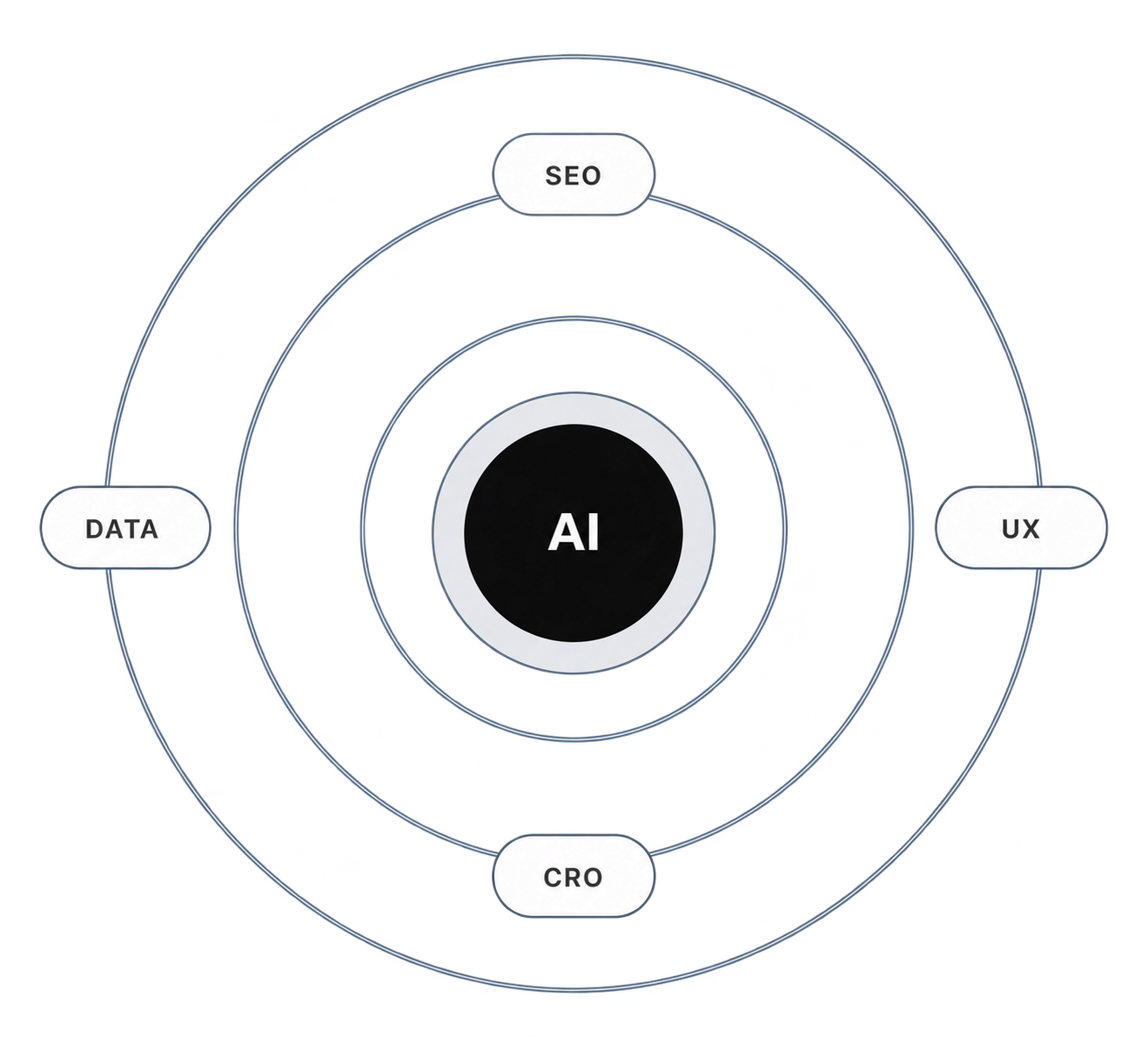
Make your website ready for the AI era.
AI is changing how people discover, evaluate, and interact with websites. We help you identify optimization opportunities across content, UX, technical performance, SEO, and conversion paths.