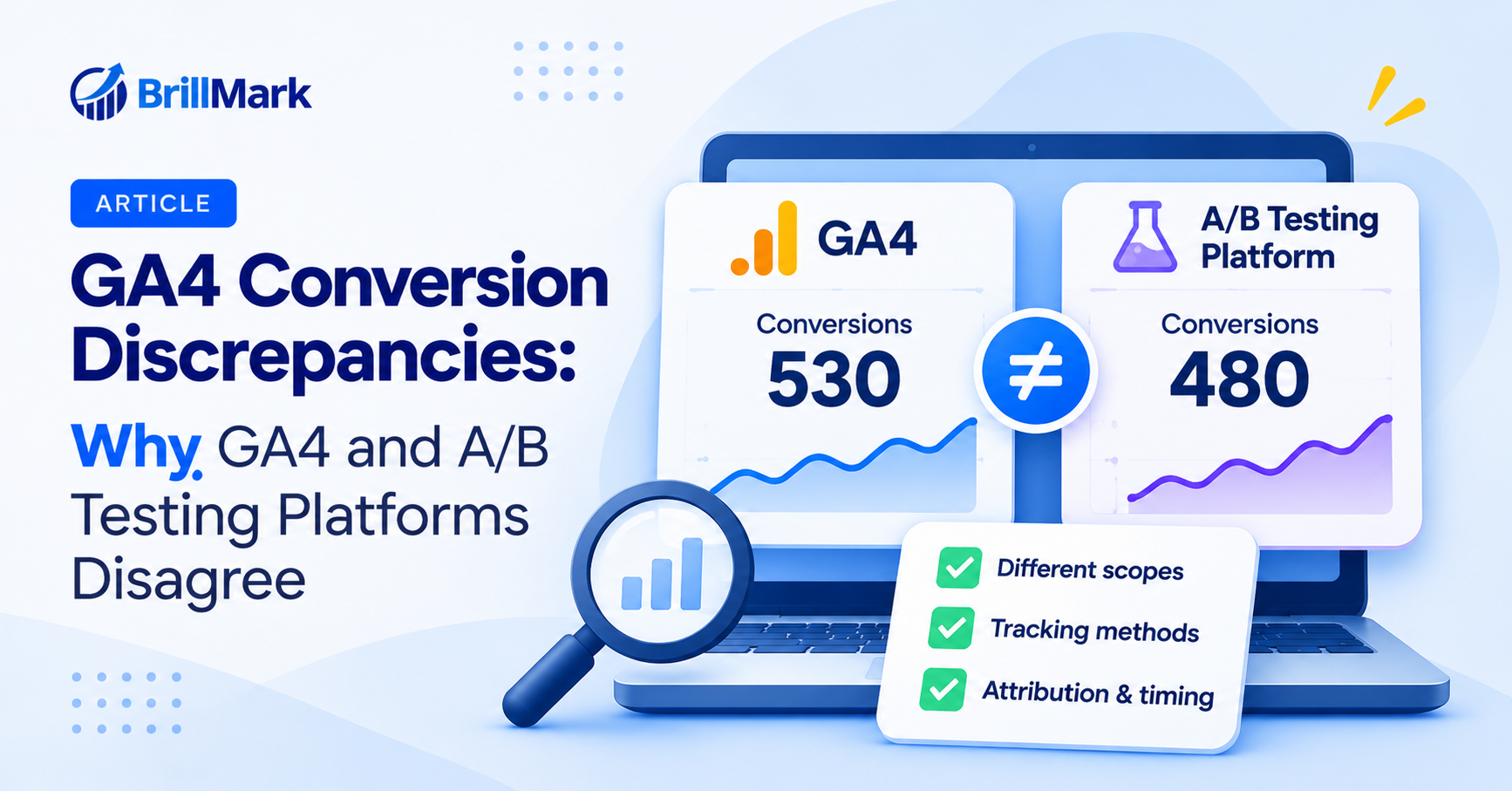
GA4 conversion discrepancies are one of the most common headaches in experimentation. You launch a test and check the results. Your testing platform shows 480 conversions. GA4 shows 530 for the same period. Naturally, the first question is which number is right. In most cases, neither tool is broken. Instead, each one counts differently. Therefore, a gap is normal, and the real goal is understanding why it exists. Below are the most common causes, along with a practical way to investigate them. Along the way, you’ll also see how to report results without losing stakeholder trust.
The Two Tools Answer Different Questions
What a Testing Platform Measures
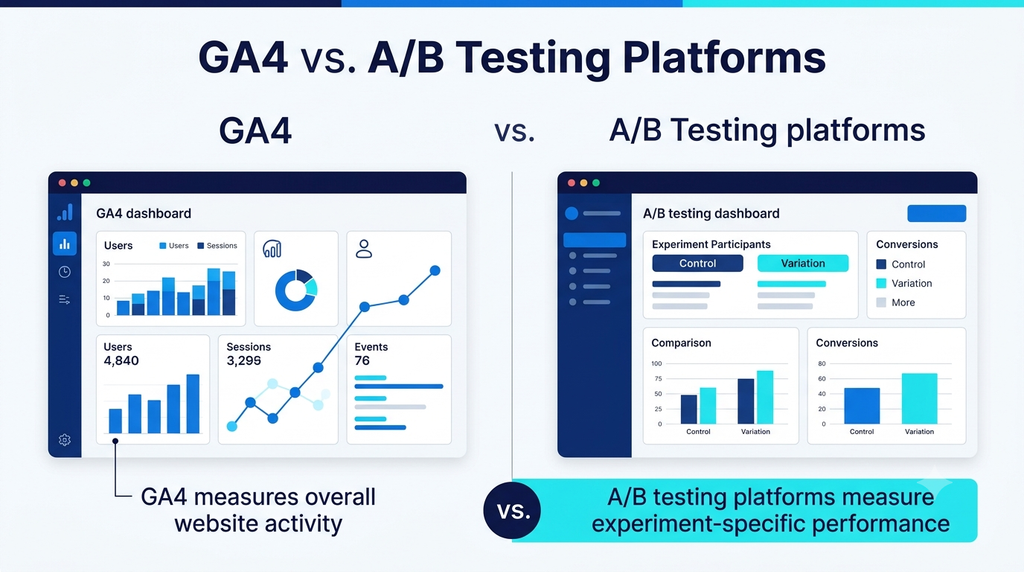
- A testing platform counts visitors who were placed into an experiment
- It then tracks what those visitors do after they see a variant
- As a result, it ignores everyone who never entered the test
- It also ties each conversion to the variant a visitor saw
- This design keeps the comparison between variants fair
What GA4 Measures
- GA4 counts activity across the whole site
- It records events from every visitor with tracking enabled
- Consequently, it includes people who were never part of the test
- It also applies its own rules for sessions, users, and attribution
- Its goal is a broad view of site performance, not a clean experiment
Why GA4 Conversion Discrepancies Happen
- The two tools start from different populations
- For example, GA4 may count a purchase from a visitor who was excluded from the test
- Meanwhile, the testing platform may not count that same purchase at all
- Because of this, an exact match is rarely realistic
- Instead, think of each number as a different lens on the same traffic
Definition and Counting Differences
Different Conversion Definitions
- Each tool may track a slightly different action
- One may count a button click, while the other counts a thank-you page view
- Similarly, one may fire on form submission and the other on page load
- Therefore, confirm both tools measure the exact same action
- Mismatched definitions are a top cause of GA4 conversion discrepancies
- Write the definition down so everyone on the team uses the same one
Different Counting Methods
- Some tools count every conversion event
- Others count only one conversion per visitor
- GA4 can count an event each time it fires, depending on setup
- However, many testing platforms count unique converters instead
- This difference alone can create a large gap on repeat-purchase sites
- For example, a customer who buys three times counts once in one tool and three times in the other
Different Units of Measurement
- Testing platforms usually count visitors
- GA4 reports users, sessions, and events
- Likewise, a single person on two devices may count as two visitors in one tool
- GA4 may merge those same visits if the person is signed in
- As a result, the same traffic produces different totals
Timing and Attribution Differences
Attribution Windows
- A testing platform typically credits a conversion to the variant a visitor saw
- GA4 credits conversions using its own attribution model
- Therefore, a conversion that happens days later may land in different places
- Over a long buying cycle, this gap grows
- Also check how long each tool keeps a visitor tied to a variant
Reporting Delays
- GA4 data can take time to fully process
- Testing platforms often update faster
- Consequently, comparing the two on the same day can show false gaps
- Wait for data to settle before judging a difference
- Timing issues create temporary GA4 conversion discrepancies that fade on their own
- Recent days are the least reliable in any report
Time Zone and Date Settings
- Each tool may use a different time zone
- A conversion near midnight can fall on different days
- Similarly, mismatched date ranges can distort comparisons
- Always align time zones and date ranges first
- Remember that the test start date may not match the first day of GA4 data
Tracking and Technical Differences
Tag Firing and Page Load Timing
- A tag that loads late may miss a quick conversion
- A visitor who leaves the page fast may never trigger the event
- Meanwhile, the other tool may load earlier and capture it
- Because of this, tag order and load speed matter
- Slow connections make this problem worse
Ad Blockers and Browser Restrictions
- Some blockers stop analytics tools but not testing tools
- Others do the reverse
- Likewise, browser privacy features can limit cookies differently
- Therefore, each tool can lose a different slice of traffic
- The effect is often larger on audiences that are privacy-conscious
Consent and Privacy Settings
- Visitors who decline tracking may be excluded from one tool
- The other tool may still count them
- GA4 can also fill some gaps with modeled data
- However, testing platforms typically do not model missing conversions
- As a result, consent settings can widen the gap
- Therefore, review how each tool behaves under every consent state
- Consent settings are a growing source of GA4 conversion discrepancies
Bot and Internal Traffic Filtering
- Each tool filters bots in its own way
- GA4 may exclude traffic that a testing platform still counts
- Similarly, internal team traffic may be filtered in only one tool
- Confirm both tools exclude your own team’s visits
Duplicate and Missing Events
- A conversion tag that fires twice inflates counts
- A tag that fails silently deflates them
- Refreshing a thank-you page can create duplicates
- Therefore, use unique transaction IDs where possible
- Also test the full conversion flow after every site release
Data Processing Differences
Sampling and Thresholds
- GA4 may apply data thresholds in some reports
- This can hide small groups of users
- Meanwhile, exploration reports can sample large datasets
- Consequently, small segments may look different across tools
- Therefore, compare large segments first
- Small segments are where GA4 conversion discrepancies look the biggest
Cross-Device and Identity Handling
- GA4 can use signed-in user IDs to connect devices
- Testing platforms often rely on cookies alone
- Therefore, one person may appear as several visitors in one tool
- The other tool may treat that same person as one user
- Over time, this difference grows on sites with long buying cycles
A Simple Example of How the Gap Forms
Walking Through the Numbers
- Imagine your testing platform reports 480 conversions
- GA4 reports 530 for the same dates
- First, some of the 50 extra GA4 conversions come from visitors outside the test
- Next, repeat purchases may count more than once in GA4
- Finally, a few conversions may land in different dates because of time zones
- Together, these small effects explain the whole gap
What the Example Shows
- No single cause is usually responsible
- Instead, several small differences add up
- Therefore, fixing one cause rarely closes the gap completely
- The goal is to explain the gap, not to eliminate it
- In this case, the GA4 conversion discrepancies come from several small causes
How to Investigate GA4 Conversion Discrepancies
Start With a Simple Checklist
- Confirm both tools track the same conversion action
- Align the date range and time zone
- Compare the same audience, not total site traffic
- Check for duplicate or missing events
- Finally, review consent and filtering settings
Use a Third Source of Truth
- Compare both tools against your backend data
- Orders in your store or CRM are usually the most reliable count
- For example, if backend orders sit between the two numbers, both tools are partly right
- This helps you see which tool is closer to reality
Decide What Gap Is Acceptable
- A small gap is normal and expected
- A large or growing gap signals a technical issue
- Therefore, track the gap over time rather than judging it once
- If it stays stable, you can usually trust relative results between variants
Which Number Should You Trust?
Use Each Tool for Its Own Job
- Use the testing platform to compare variants against each other
- Use GA4 to understand overall site performance
- Because each tool is consistent within itself, the comparison between variants stays valid
- Instead of forcing the totals to match, focus on the relative lift
Report With Context
- When sharing results, note which tool the numbers came from
- Also explain why the totals differ
- Mention GA4 conversion discrepancies up front, before anyone asks
- That way, stakeholders don’t lose trust when two numbers appear
- Over time, clear reporting makes testing results easier to defend
How to Prevent GA4 Conversion Discrepancies in Future Tests
Build Alignment Into Test Setup
- Define the conversion event before building the test
- Use the same event name and trigger in both tools
- Pass the experiment and variant name into GA4 as a parameter
- Then, you can segment GA4 data by variant directly
- This makes side-by-side comparison much easier
Audit Tracking Regularly
- Review conversion tags after every major site release
- Also test tracking in both accepted and declined consent states
- Meanwhile, monitor the gap between tools on a schedule
- A sudden change usually points to a broken tag
- Catching it early protects the whole test
Conclusion
GA4 conversion discrepancies are normal. Each tool counts different visitors, uses different definitions, and handles privacy and attribution in its own way. Fortunately, most gaps have clear, fixable causes.
Start by aligning definitions, dates, and audiences. Then check tracking for duplicates and missing events. Finally, compare both tools against backend data. With this process, you can trust your results and explain any remaining difference with confidence.
Make your website ready for the AI era.
AI is changing how people discover, evaluate, and interact with websites. We help you identify optimization opportunities across content, UX, technical performance, SEO, and conversion paths.