Black Friday CRO checklist for 2026
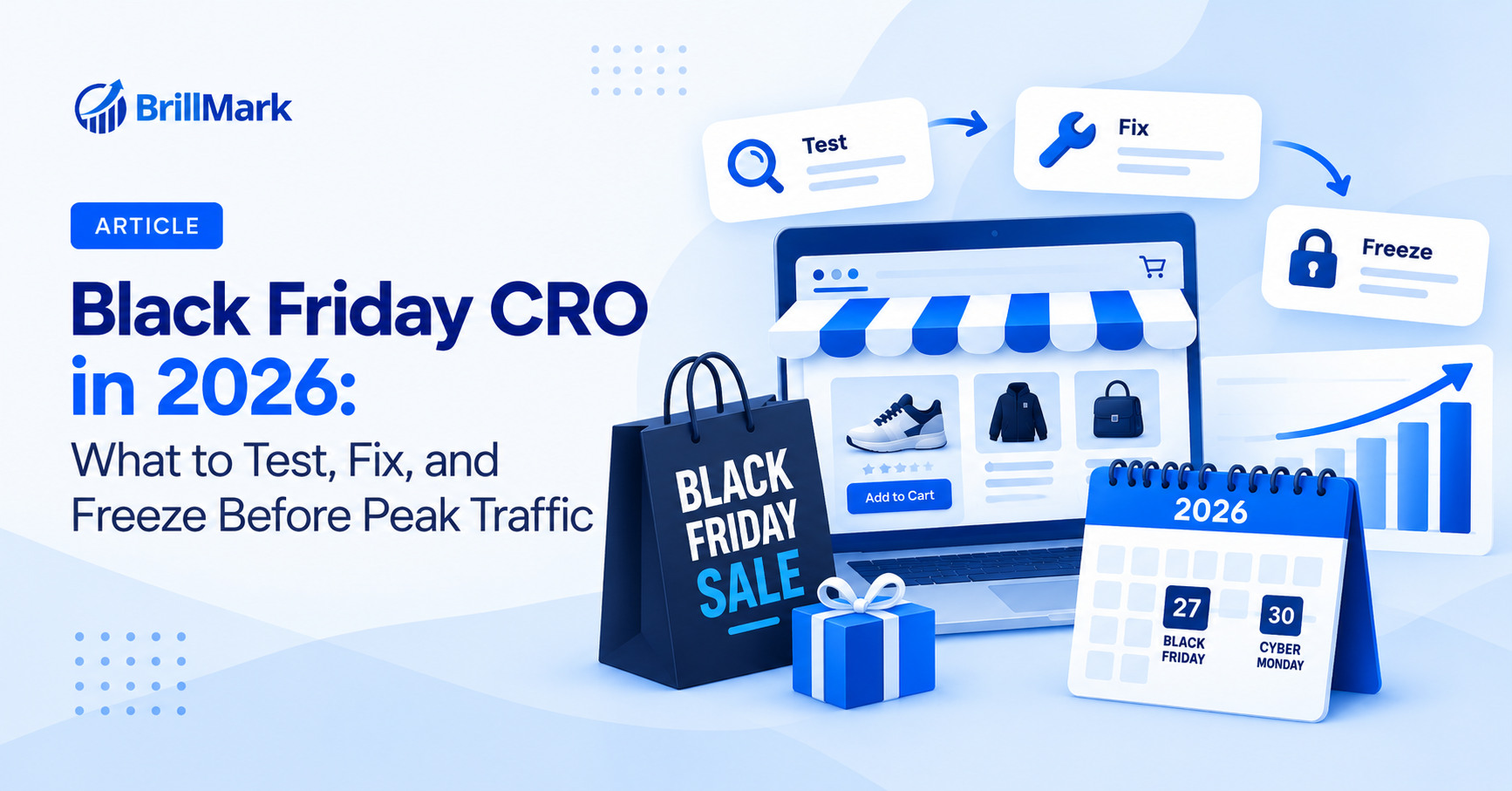
Black Friday CRO is the work of testing, fixing, and locking down your store before the highest-traffic week of the year. In 2026, Black Friday falls on November 27 and Cyber Monday on November 30. That leaves most ecommerce teams about seven weeks to run their last valid A/B tests, ship the winners, and freeze the site.
Most Black Friday CRO advice is a list of tactics: add urgency, show countdown timers, simplify checkout. Those can work. But the stores that win peak season usually get the boring parts right first: tests finished in time, code that doesn’t break under load, and tracking that actually records the revenue.
This guide covers what to test, when to stop testing, how to QA, and how to keep GA4 clean, from the perspective of a team that builds and QAs A/B tests for ecommerce brands and agencies every week.
Key takeaways
- Finish your last A/B tests by early to mid November. Tests started in Black Friday week rarely reach valid results and the data won’t hold in January.
- Test offer clarity, PDP messaging, cart, and checkout friction before peak. These pages carry the most revenue per visitor.
- Freeze code about 10 days before Black Friday. Only ship pre-tested winners and campaign content after the freeze.
- QA every variation on real devices, real browsers, and under expected traffic. A broken test on Black Friday costs more than any test can win.
- Audit GA4 purchase, add_to_cart, and begin_checkout events before peak, then segment BFCM data separately when you analyze it.
What is Black Friday CRO and how is it different from regular CRO?
Black Friday CRO is conversion optimization planned around a fixed, short, high-stakes window. Regular CRO is a continuous loop of research, testing, and iteration. Black Friday CRO has a hard deadline, and the deadline changes what you should test and when.
Three things make it different:
- Visitor intent shifts. Peak-season shoppers are deal hunters, gift buyers, and first-time visitors from paid ads. They scan for the offer, compare fast, and leave fast. What converts your usual returning customer may not convert them.
- Risk is asymmetric. A 5% lift on a normal week is a nice win. A JavaScript error in checkout on Black Friday can wipe out days of revenue in hours. Stability matters more than upside.
- Data is noisy. Traffic mix, discounts, and urgency all change at once. Results from Black Friday week usually don’t predict how a change performs in January.
The practical takeaway: use October and early November to test and validate, and use Black Friday week to execute what you already proved.
When should you start Black Friday CRO in 2026?
Start now, in early October. Working back from Black Friday on November 27, you need about three weeks for tests to run, a few days to ship winners and QA, and a code freeze around November 17.
[embed: node/ae670340-da22]
If your tests aren’t live by late October, skip new experiments this season and put the time into QA, speed, and tracking instead.
Should you run A/B tests during Black Friday week?
Usually, no. For most stores, Black Friday week is the wrong time to start new A/B tests. The traffic is high, but the data is unreliable and the risk of breaking something is at its peak.
Here is why:
- Results don’t generalize. Shoppers during BFCM behave differently from the rest of the year. A winner on Black Friday can lose in January, so you end up shipping changes based on a one-off audience.
- Tests can’t run full cycles. Good practice is to run a test in full business cycles, usually at least one to two weeks. BFCM is four to five days of abnormal behavior, followed by a sharp drop.
- Splitting traffic costs money. Sending half your peak visitors to an unproven variation means half your best traffic sees something you haven’t validated.
- Test code adds risk. Every running experiment is extra JavaScript on the page. Under heavy load, flicker, slow loads, and conflicts with promo scripts become more likely.
When testing during BFCM can make sense: Large stores with very high traffic sometimes run short, low-risk tests specific to the sale itself, such as two banner messages or two ways of showing the discount. The goal is learning for next year’s sale, not finding a permanent winner. If you do this, keep the test simple, QA it twice, and set a clear rule for pausing it if errors spike.
Which A/B tests should you run before Black Friday?
Run tests that make the offer clearer and the path to purchase shorter. Prioritize pages closest to revenue: product pages, cart, and checkout first, then homepage and collection pages. Every test below should be launched by late October so it can finish before the code freeze.
| Page | Test idea | What it checks | Primary metric |
| Sitewide | Announcement bar with offer and end date vs. generic sale banner | Does a specific, dated offer beat a vague “Sale on now”? | Revenue per visitor |
| Homepage | Hero focused on one hero deal vs. a grid of categories on sale | Do deal hunters want one clear entry point or many? | Click-through to PDP or collection |
| Collection | Sale price, original price, and % saved on the card vs. sale price only | Does showing savings on the listing lift clicks? | PDP visits per session |
| Collection | “Deals” filter or sort pinned at the top | Can shoppers find discounted items faster? | Add-to-cart rate |
| Product page | Savings shown as % vs. as a dollar amount | Which framing feels bigger at your price point? | Add-to-cart rate |
| Product page | Shipping cutoff and delivery date near the buy button | Does delivery certainty reduce hesitation for gift buyers? | Add-to-cart rate |
| Product page | Bundle or “frequently bought together” block with an extra discount | Can you raise order value without hurting conversion? | Average order value |
| Cart | Free shipping progress bar vs. none | Does a visible threshold push order value up? | Average order value |
| Cart | Slide-out cart drawer vs. full cart page | Does keeping shoppers on the page speed up checkout entry? | Checkout start rate |
| Checkout | Express payment buttons (Shop Pay, Apple Pay, PayPal) moved above the form | Do returning and mobile buyers finish faster? | Checkout completion rate |
| Checkout | Discount code field collapsed vs. open | Does an open code field send shoppers off to search for coupons? | Checkout completion rate |
A few rules for these tests:
- One clear hypothesis per test. If you change the banner, layout, and copy at once, you won’t know what worked.
- Pick the primary metric before launch. Revenue per visitor is often the best single metric for offer tests because it captures both conversion rate and order value.
- Size the test before you build it. Work out the sample size and duration from your traffic first. If you can’t reach a valid result in two to three weeks, test a bigger change or skip it this season.
- Have the winner ready to hard-code. Don’t run a winning variation through the testing tool during peak. Ship it into your Shopify or
- WordPress theme before the freeze.
How do you QA your store before Black Friday?
QA every change and every live experiment on real devices, real browsers, and the real purchase flow before the code freeze. On Black Friday, a bug is not a small bug. It hits your highest-intent traffic at the most expensive moment of the year.
A solid pre-peak QA pass covers five areas:
- Devices and browsers. Test on iOS Safari, Android Chrome, desktop Chrome, Safari, Edge, and Firefox. Mobile usually carries most peak traffic, so start there. Check small screens, landscape mode, and in-app browsers from Instagram and Facebook ads.
- The full purchase path. Place real test orders from landing page to thank-you page. Use each payment method, apply discount codes, stack offers if you allow it, and check that the final price is correct.
- Experiment behavior. Confirm each variation renders without flicker, that visitors stay in the same variation across pages, and that tests don’t clash with each other or with promo apps such as pop-ups, countdown timers, and upsell widgets.
- Speed under load. Run PageSpeed Insights on the home, collection, product, and cart pages with all sale scripts active, and check Core Web Vitals like LCP and INP. Remove apps and test scripts you no longer need; a Shopify theme optimization pass helps if the theme itself is slow. Ask your platform or hosting provider how the store handles a traffic spike.
- Campaign content. Check every sale banner, email landing page, and ad landing URL. Confirm start and end times, time zones, and what happens to the page once the sale ends.
Write each check into a shared QA sheet with a pass/fail, the device, and a screenshot. When something breaks on the day, that sheet shows what was tested and what changed since.
How do you make sure GA4 tracking works on Black Friday?
Audit your GA4 ecommerce events before the freeze and compare GA4 revenue against your store backend. If tracking is wrong during BFCM, you lose the one dataset that should shape next year’s plan.
Check these before November:
- Core ecommerce events fire once. Test view_item, add_to_cart, begin_checkout, add_payment_info, and purchase in GA4 DebugView. Check each against Google’s ecommerce event reference. Duplicate purchase events are common after theme or checkout changes and inflate revenue.
- Purchase values are right. Confirm the purchase event sends the value after discounts, the correct currency, and a unique transaction_id, as Google’s purchase event setup guide describes. Discounts are where tracking errors usually show up.
- GA4 matches your backend. Compare a recent week of orders and revenue in GA4 with Shopify, WooCommerce, or your platform. Some gap is normal. A large or growing gap needs fixing before peak, often through server-side tracking or a Consent Mode v2 fix.
- Tags load on every page. Sale landing pages are often built fast and miss the tag. Check them before launch; this missing Google tag guide covers the common causes.
- Experiment data reaches GA4. Make sure your testing tool passes the experiment and variation to GA4 so you can analyze results by variation later.
- Campaign tagging is consistent. Agree on UTM naming for every Black Friday email, ad, and influencer link. Inconsistent tags split one campaign into several rows and make attribution messy.
- A BFCM annotation or comparison window exists. Mark the sale dates so anyone looking at reports in January knows why numbers spiked.
What should you do after Cyber Monday?
Turn BFCM data into next year’s test backlog, and get your normal testing program running again in early December. The weeks after peak are when you have the most fresh behavior data and the least pressure.
- Analyze BFCM as its own period. Compare it to last year’s BFCM, not to the week before. Look at conversion rate, average order value, and revenue per visitor by device and traffic source.
- Find where shoppers dropped off. Review the funnel from product page to purchase, plus session recordings and heatmaps from peak days. Note where the drop was worse than usual.
- Write down what broke. Log every bug, slow page, and stock or pricing issue, and what it likely cost. This list becomes next year’s QA checklist.
- Turn findings into hypotheses. Every drop-off point and customer complaint is a test idea. Prioritize them for Q1 and Q2 when traffic is normal and results are reliable. An Agentic CRO audit can combine GA4 and test data to speed this up.
- Restart testing with care. Don’t treat December results like normal months. Holiday shipping deadlines and gift traffic still skew data until early January.
Black Friday CRO checklist for 2026
Use this checklist to track your preparation. Work through it top to bottom; each group should be done before the next date.
By October 23: research and launch tests
- Review last year’s BFCM data in GA4 and your store backend
- List funnel drop-off points and top customer questions
- Prioritize three to five tests on PDP, cart, and checkout
- Confirm each test can reach a valid result before November 13
- Build, QA, and launch tests
By November 13: call results and ship winners
- Call each test against its primary metric
- Hard-code winners into the theme or site
- Turn off all non-essential experiments
- Remove unused apps and scripts
By November 17: code freeze
- Complete full QA on devices, browsers, and payment methods
- Place test orders with every discount and offer type
- Audit GA4 ecommerce events and compare to backend revenue
- Finalize UTM naming for all campaigns
- Load sale banners, landing pages, and timers with correct start and end times
- Agree on a rollback plan and an on-call contact for peak days
November 26 to 30: peak
- Monitor site errors, speed, and conversion rate hourly
- Check checkout and payment flows each morning
- Make only content changes, no code changes
December: analyze and plan
- Analyze BFCM against last year’s BFCM
- Log every issue that came up
- Build the Q1 test backlog from findings
Frequently asked questions
When should I start Black Friday CRO?
Start in early October. That gives you time to research, launch tests by late October, and call results before a mid-November code freeze. Starting in November leaves little room to reach valid test results.
How long should a Black Friday A/B test run?
Run each test for at least one to two full weeks and until it reaches the sample size you planned. Stop testing before Black Friday week, because peak traffic behaves differently and skews results.
What is a code freeze for Black Friday?
A code freeze is a date after which no code changes go live on the site. Most teams freeze about 10 days before Black Friday. After the freeze, only pre-scheduled content like banners and landing pages should change.
Do countdown timers and urgency messages increase Black Friday conversions?
They can, when the deadline is real. Fake or resetting timers hurt trust, and the FTC’s Bringing Dark Patterns to Light report names baseless countdown timers as a deceptive design practice. Test urgency messaging before peak rather than assuming it works for your audience.
What is the most important metric for Black Friday CRO?
Revenue per visitor is usually the best single metric. It captures both conversion rate and average order value, so a test that lifts conversions by cutting order value won’t look like a false win.
Can Brillmark run Black Friday A/B tests for agencies?
Yes. Brillmark builds and QAs A/B tests on a white-label basis for CRO and ecommerce agencies, so agencies can take on more peak-season testing without hiring extra developers.
How can Brillmark help you prepare for Black Friday?
Brillmark is a CRO and A/B testing development agency. We build, QA, and track the experiments that ecommerce brands and agencies run before peak season, so your tests launch on time and your site holds up when traffic arrives.
For Black Friday 2026, we can help with:
- A/B test development on VWO, Optimizely, AB Tasty, Convert, Kameleoon, and other testing platforms, including complex PDP, cart, and checkout tests.
- Pre-peak QA across devices, browsers, and payment flows, documented so you know exactly what was checked.
- GA4 audits of ecommerce events, purchase values, and experiment tracking before the code freeze.
- Shopify and WordPress development to hard-code winning variations and build sale landing pages.
- White-label delivery for CRO and marketing agencies that need extra development capacity in Q4.
See how this works in practice in our case studies, including the Toplids Shopify migration and CRO program.
The best time to start is now, while there is still room to run valid tests before the freeze. Talk to the Brillmark team about your Black Friday plan.
Make your website ready for the AI era.
AI is changing how people discover, evaluate, and interact with websites. We help you identify optimization opportunities across content, UX, technical performance, SEO, and conversion paths.